Generate logo grids, presentations, brand guidelines, bento grids and logo exports in minutes — then spend your time on the work that actually needs a designer.
14-day free trial · pay at the end of your project

Generate logo grids, bento grids and brand guidelines from your own artwork in one click.

Show clients concepts that already look like a finished brand.

Hand over brand guidelines and every logo file, organised and ready to use.
Real grids, guidelines, presentations and exports, generated from designers' own logos.
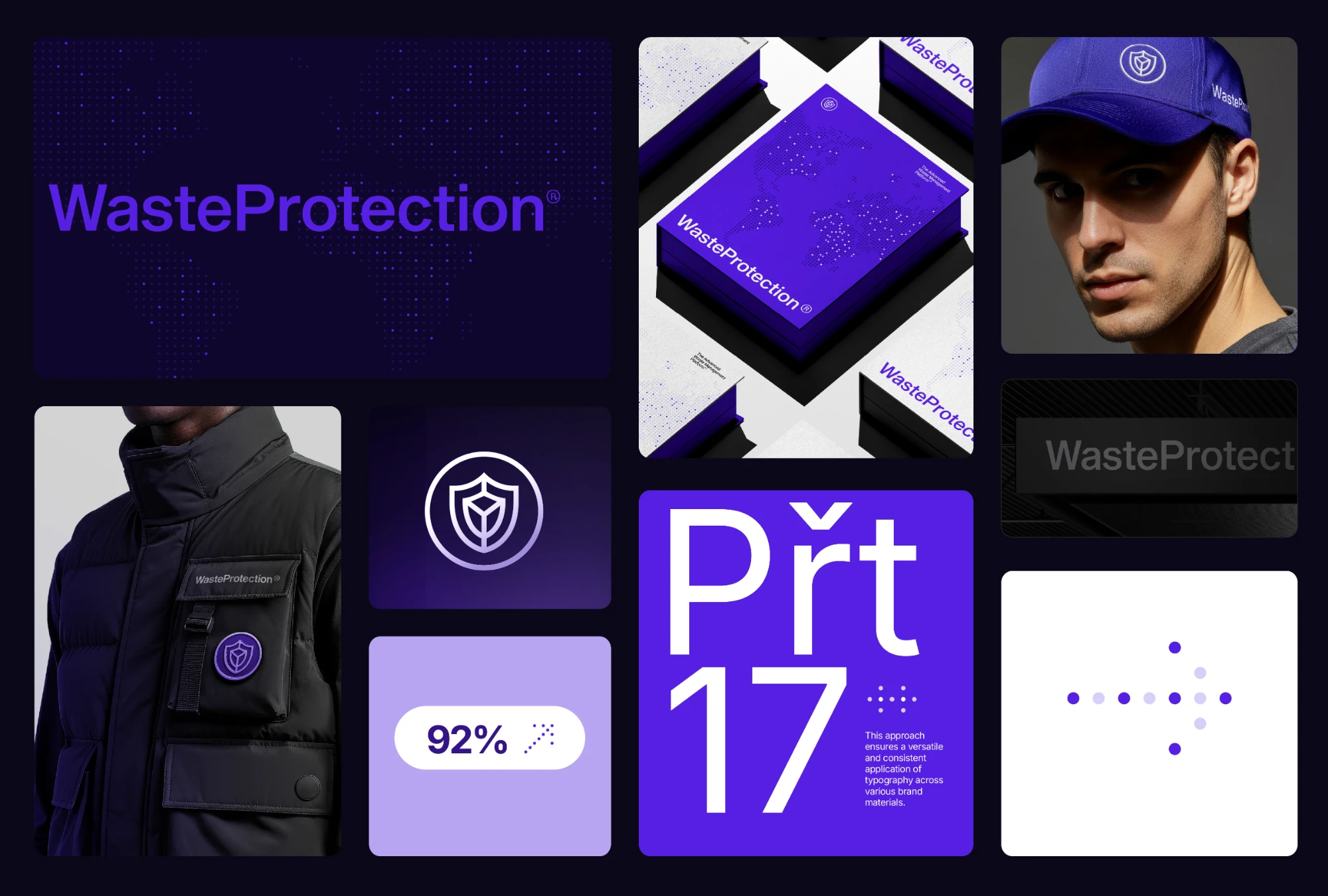
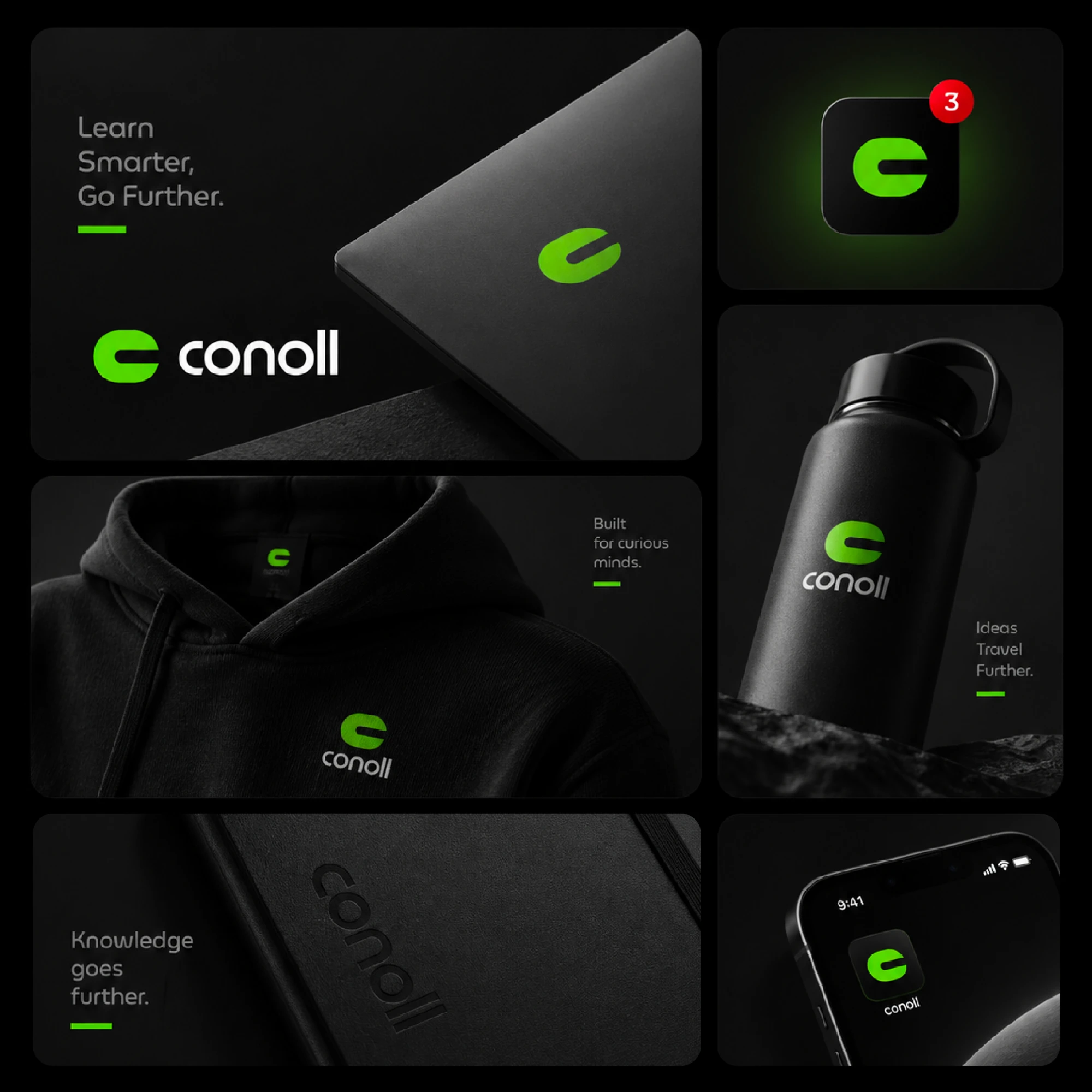

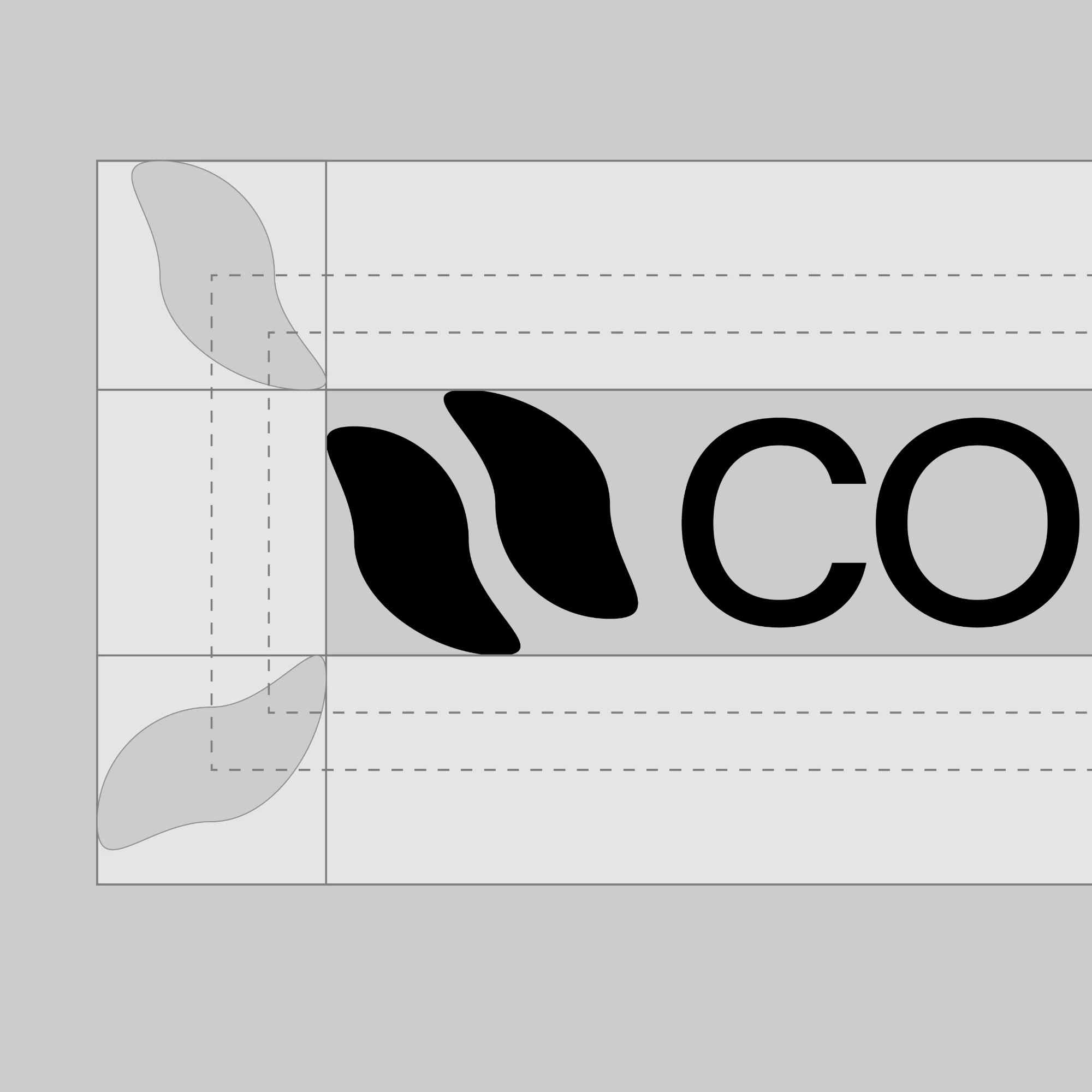
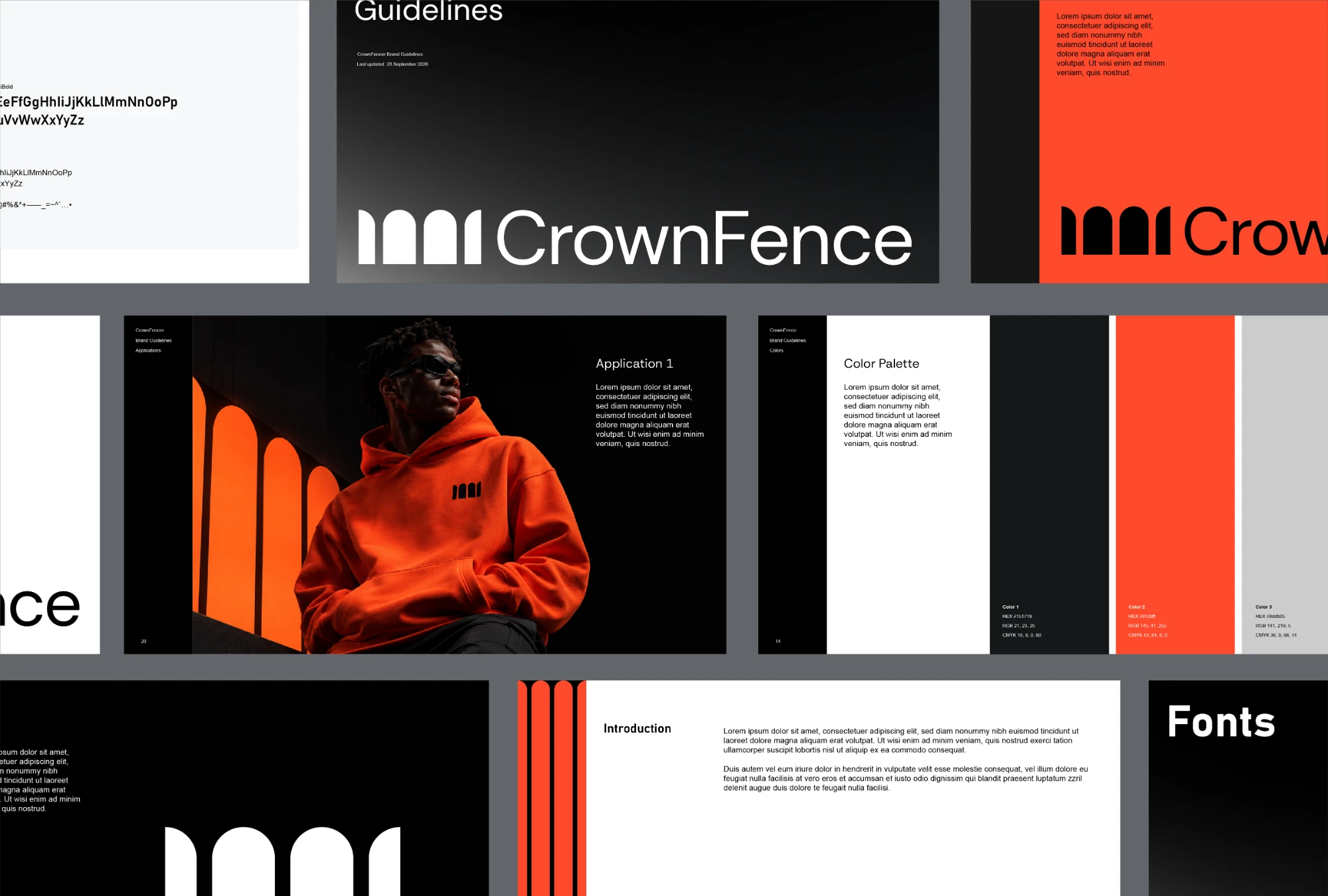

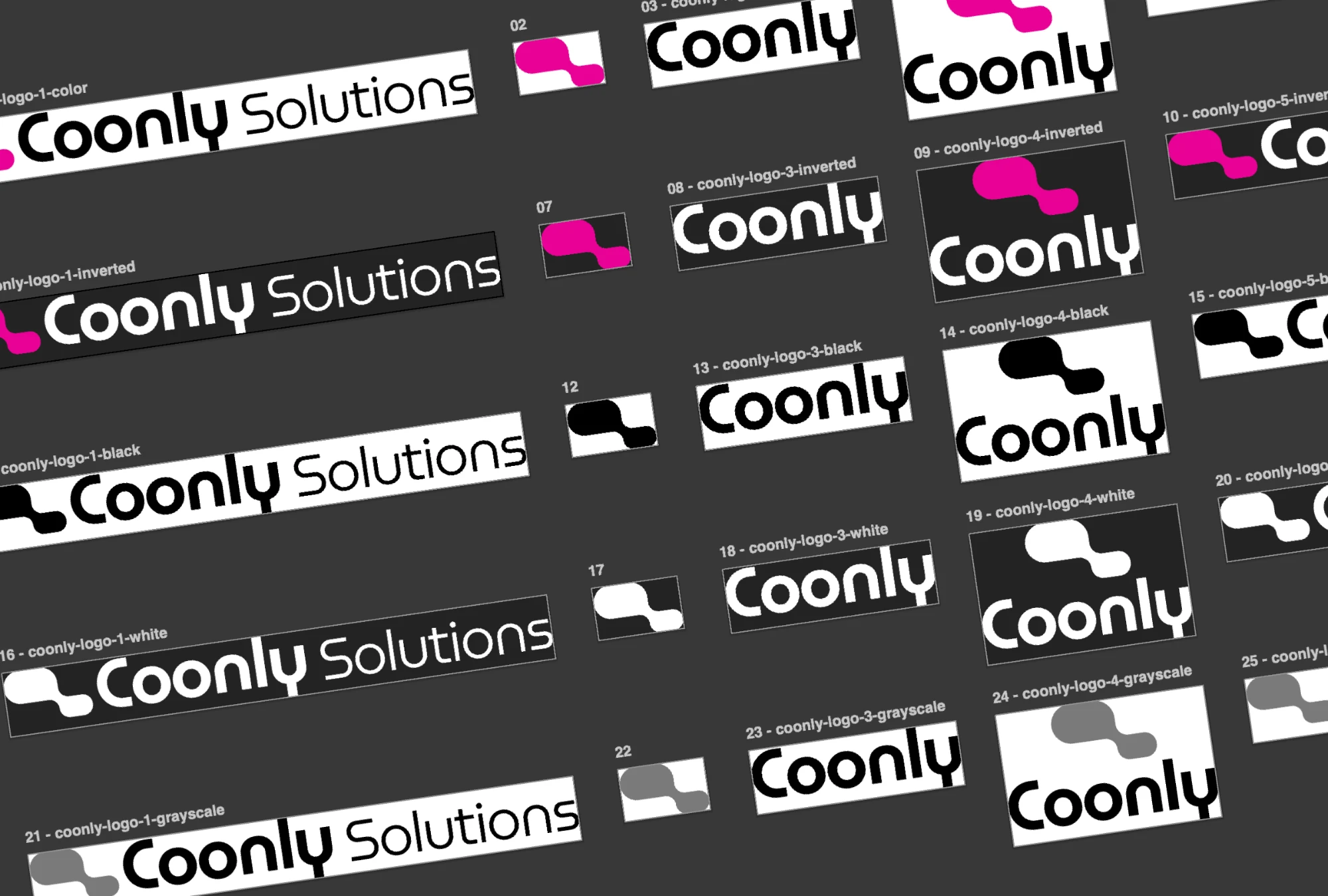
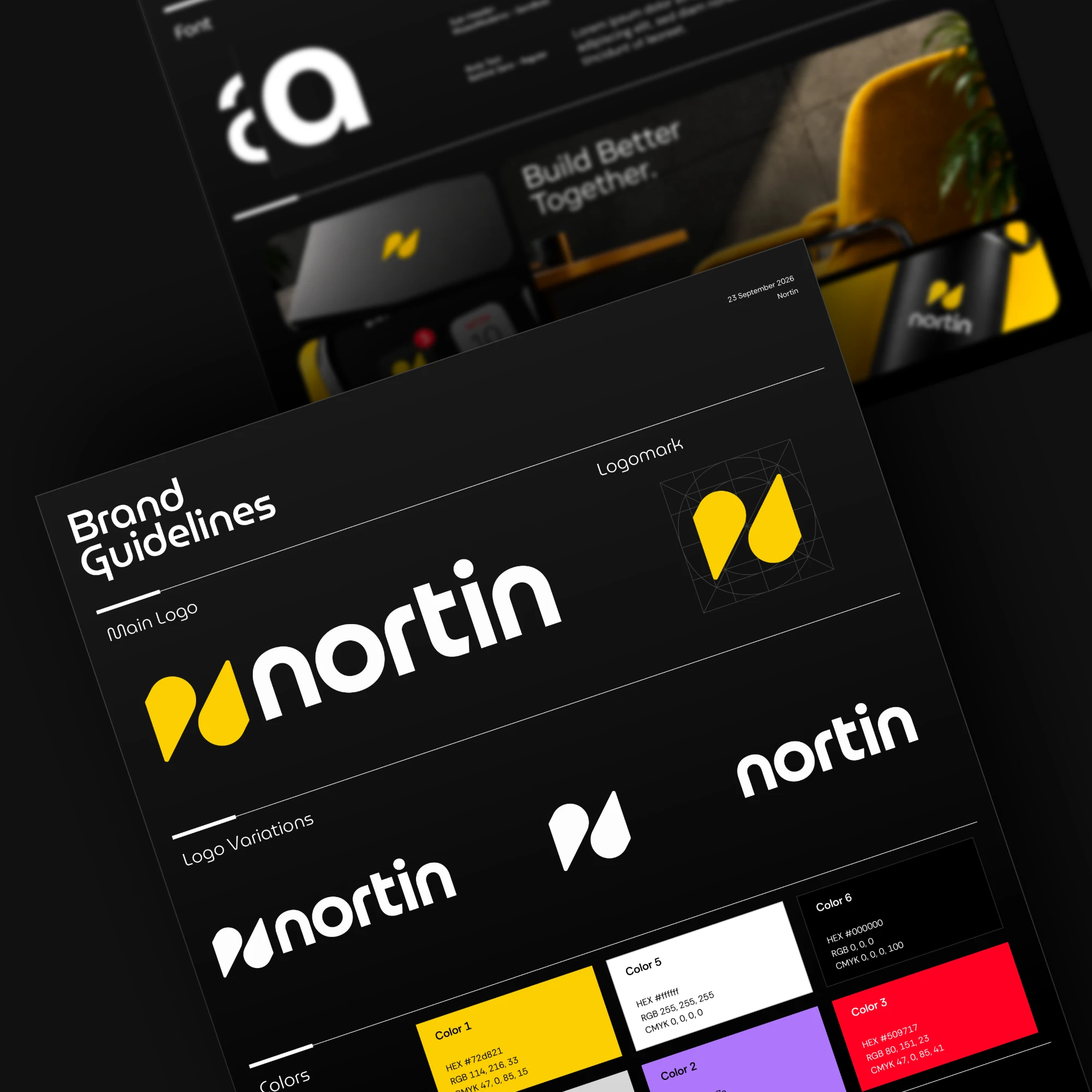


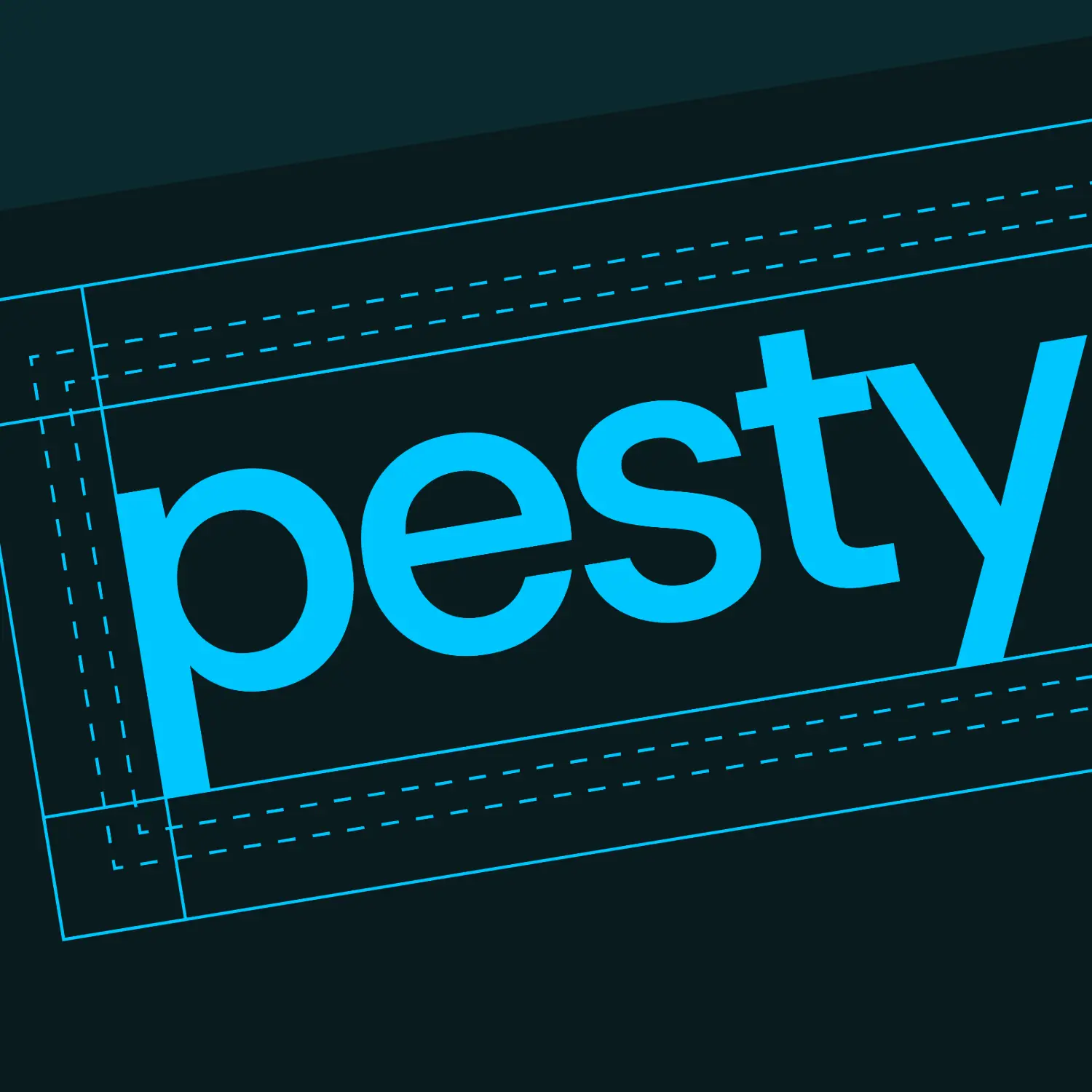
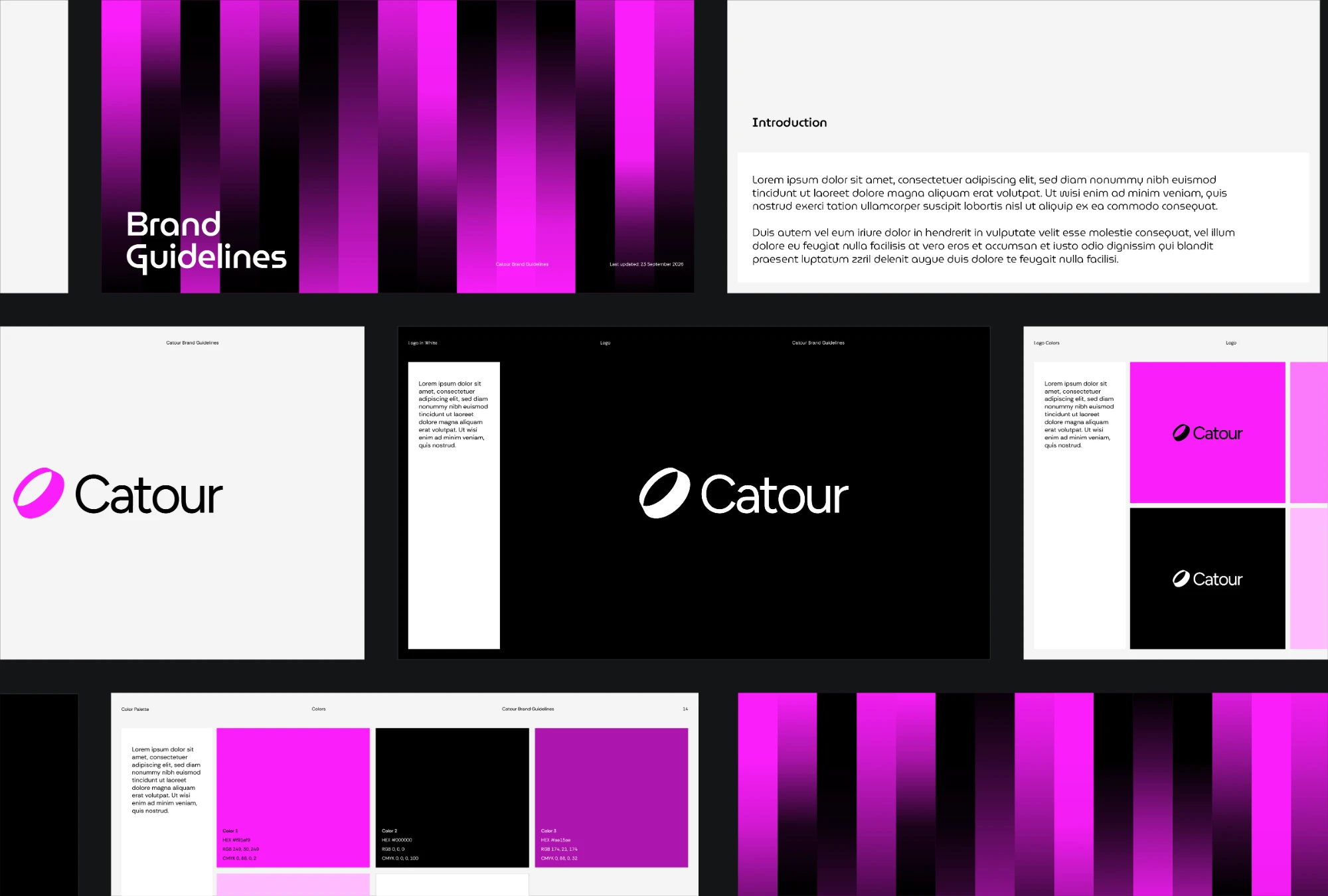
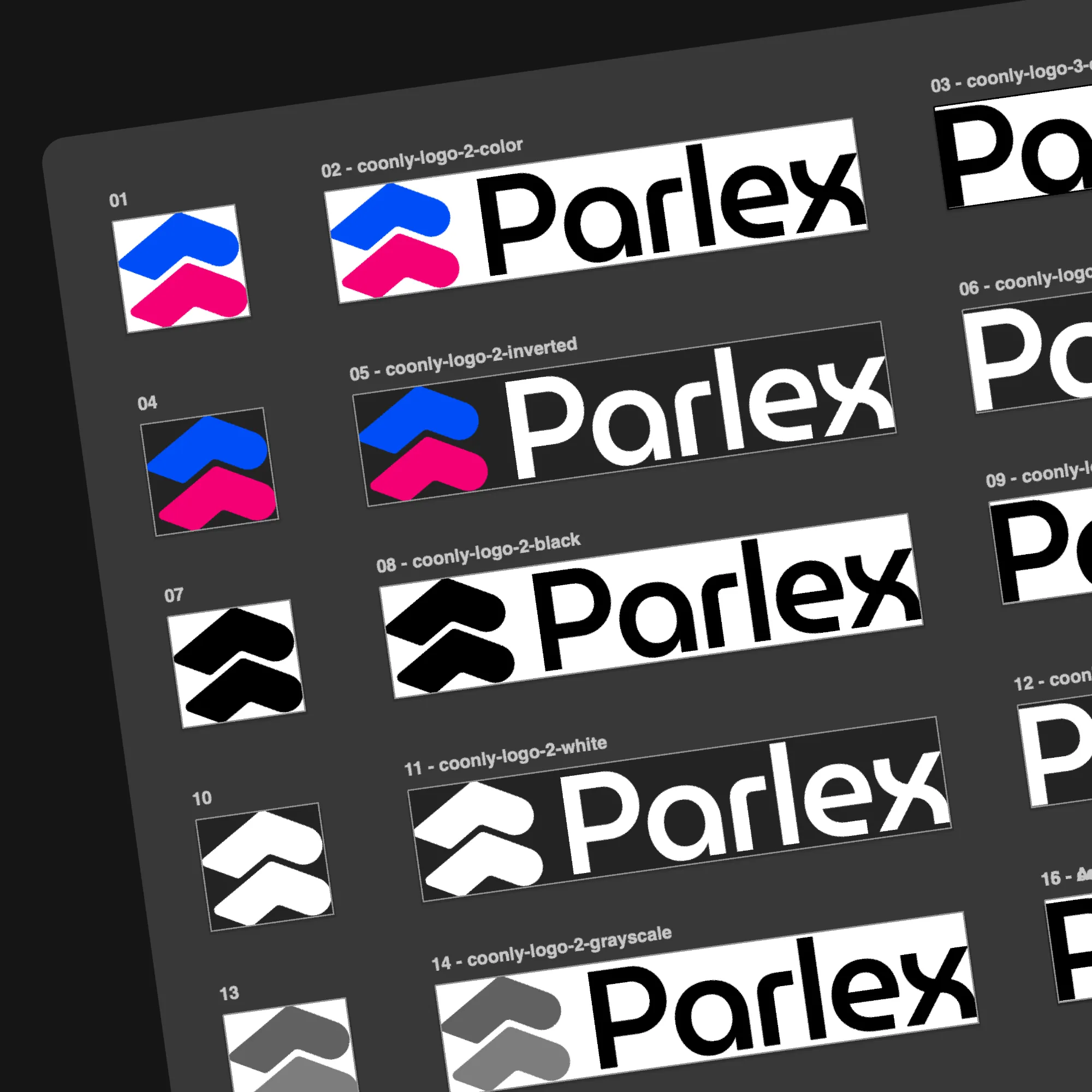
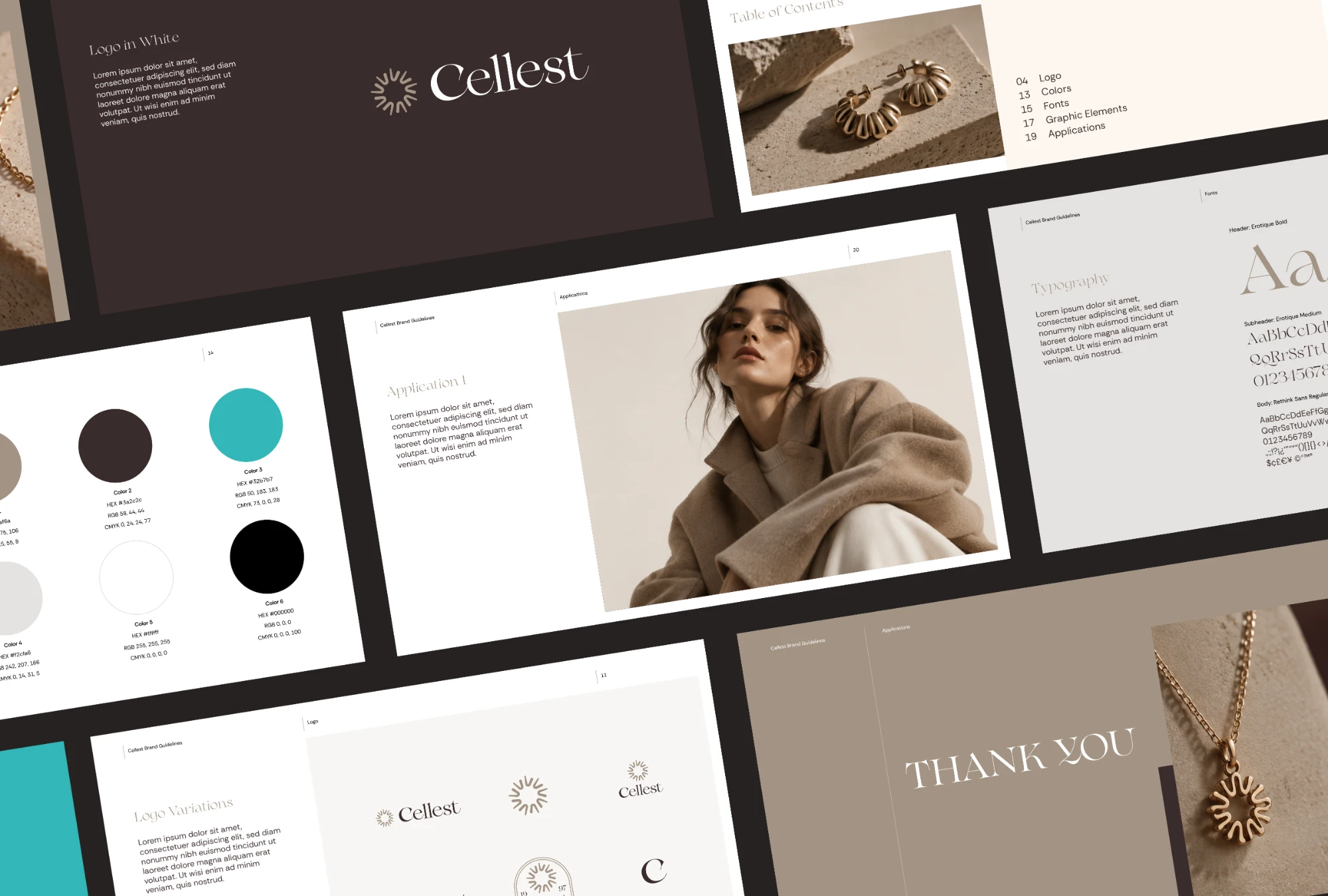
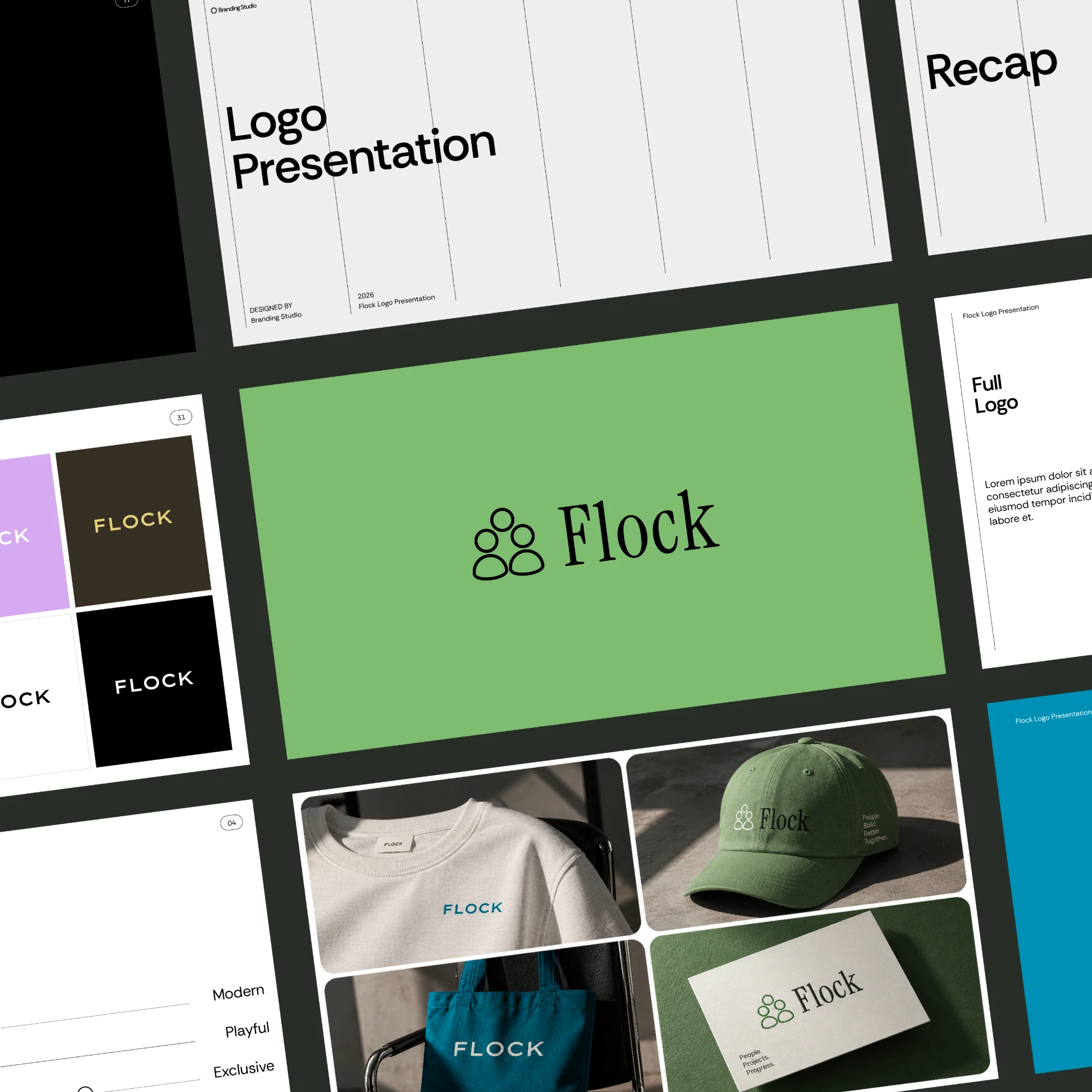
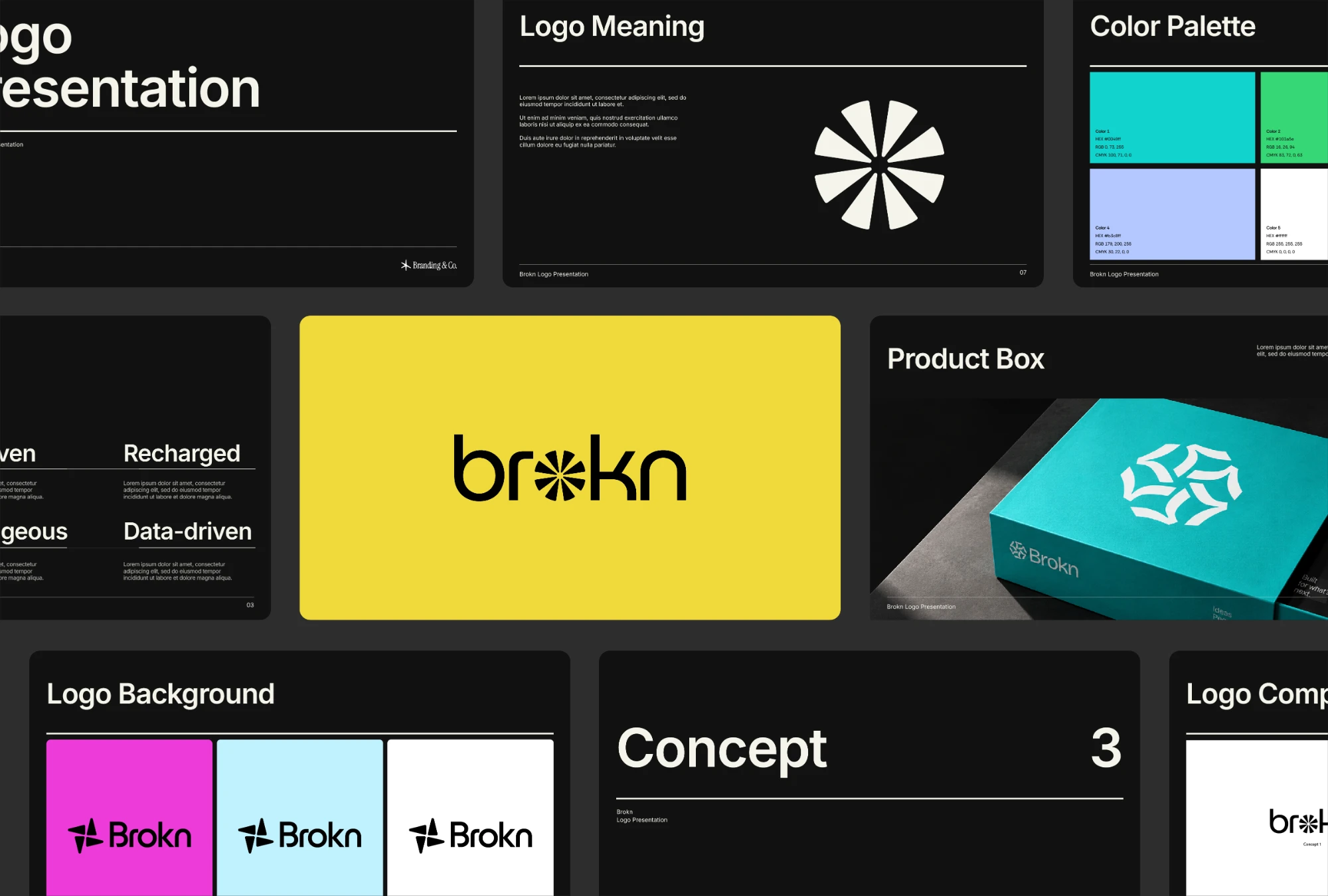

Every grid, page and file is built from the logo you drew. Nothing is invented on your behalf.

Grid ratios, clearspace, page structure and export specs were set by a brand designer, not learned from a dataset.

Rule-bound work runs the same way on every project, so what you send to a client is never a surprise.

Everything lands as native Illustrator objects. Change a colour, move a page, re-run — it's still your file.
It lives right inside Illustrator, next to the tools you already open every day.



Feedback from designers who've used Akrivi's tools to speed up their logo work.

"What used to take 20–30 minutes now takes seconds! GridIt has saved me so much time, especially when creating client presentations."

"The best logo designers use consistent shapes, angles, and rules to perfect their work. GridIt makes that process quick and effortless."

"One click and we get beautiful grids! Great for checking our work and making client presentations stand out."

"Gridit makes your life easier. Instantly creates construction grids for your logo, great for fixing errors and showing off in presentations!"

"This Illustrator plugin is a total game-changer! Instantly builds logo grids and spots issues in your designs."

"GridIt has become one of my go-to plugins for Illustrator. It helps me show clients the detail behind their logos. If you want to save time and perfect your designs, this is the tool you need!"

"Bento Generator saved me a lot of time and made my presentations look much more professional. It's now a key part of my workflow."

"If you're a perfectionist like me, GridIt is the perfect tool. It lets me check angles and alignment in seconds."

"Epic extension! This saved me from the worst part of my logo process — I'll be telling everyone!"

"This tool in all its entirety has helped me grow professionally in all aspects of design. It just works — you never have to question anything. You get what you pay for 1000x over."
"The time savings! I was sold on the idea of no longer having to create brand guidelines from scratch. Run, don't walk."
"It simplifies the presentation of creative work and makes updates much easier. Highly recommended."
"Once you know what and where you want to go, Akrivi can help you get there. Just get your hands on it."
"It's insane, you must try. It will ease your workflow — join Akrivi."
"I was looking for a reliable and well-structured tool to enhance the precision and consistency in my logo design process. The grid-based system really stood out to me, and it quickly became a core part of my workflow."
Every tool, every update and every new release included. Pays for itself on your first project.
14-day free trial · pay at the end of your project
Your trial starts at checkout and lasts 14 days, long enough to finish a project. You're only charged if you don't cancel before it ends, so you pay at the end of your project, not the start.
Yes. One subscription unlocks Logo Grids, Logo Presentations, Brand Guidelines, Bento Grids, Logo Exports, Brand Hub and everything we release next.
Every plan starts with a free trial so you can test everything first. For that reason we don't offer refunds, except for verified technical issues reported during the trial.
Yes, both. Performance is currently best on macOS. Supports Adobe Illustrator 2021 to 2027.
Two devices, as long as they belong to you.
A subscription, so you get continuous updates, new tools and ongoing support.
Try all six tools free for 14 days, inside Adobe Illustrator. Pay at the end of your project.
14-day free trial · pay at the end of your project